Project Overview
Getting a robot from point A to point B sounds simple. Doing it autonomously - with no hardcoded path, in an environment that can change, with obstacles it has never seen before - is an entirely different engineering challenge. This project was about building that capability from the ground up in ROS 2.
The Problem
Autonomous navigation requires a robot to simultaneously know where it is, plan where it needs to go, and react to whatever gets in its way - all in real time. Each of those functions is a solved problem in isolation, but integrating them into a reliable, responsive system that handles dynamic environments without breaking down is where the real engineering work lives.
What We Built
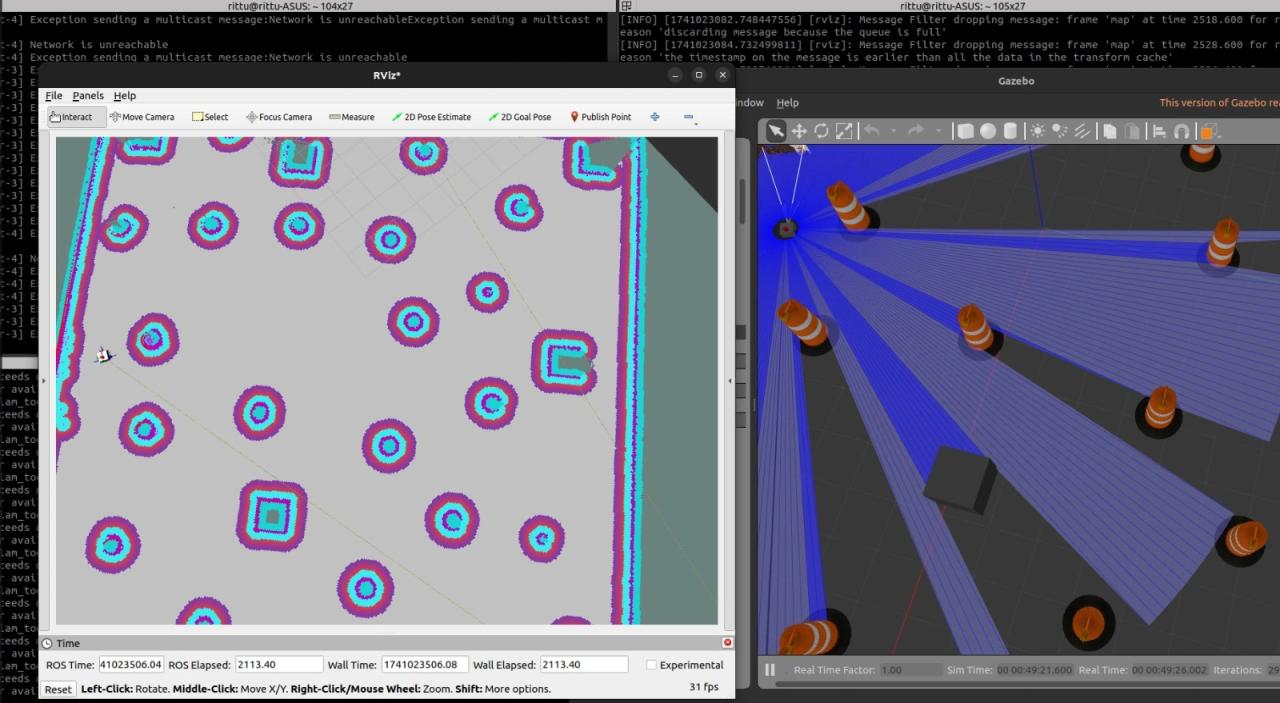
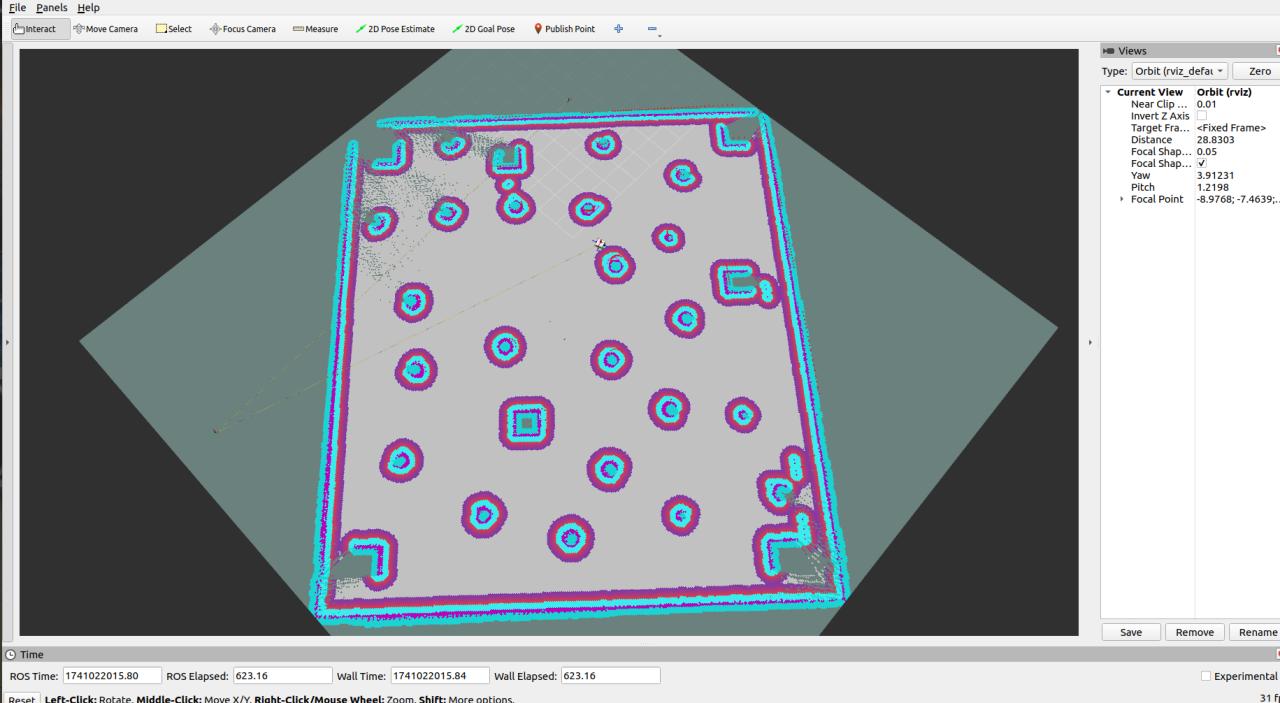
The system was developed in ROS 2, integrating the full navigation pipeline - localization to establish the robot's position in the environment, global path planning to determine an efficient route to the goal, and local path planning with obstacle avoidance to execute that route safely in real time. The robot was deployed and validated in a simulated environment using ROS 2 simulation tools, running through multiple dynamic scenarios including moving obstacles and replanning events to confirm system reliability.
What Made It Work
The key was getting the coordination between the navigation layers right - ensuring the local planner reacted to obstacles fast enough to avoid collisions while staying consistent with the global plan, and that localization remained stable enough under movement to keep the whole system grounded. Multiple test scenarios were run to stress-test the integration and validate that navigation held up when conditions changed mid-run.
What It Demonstrated
This project built hands-on competency in ROS 2 architecture, navigation stack configuration, and robotics simulation - the core skill set for autonomous mobile robotics development in both research and industrial contexts.
Testing & Deployment Launch
To initialize the autonomous execution nodes and launch the visual mapping diagnostics dashboard inside the workspace, run the following sequence:
$ source install/setup.bash
$ ros2 launch my_robot_navigation navigation.launch.py use_sim_time:=true
Through sensor-fusion (EKF) configurations combining Gazebo wheel odometry and IMU velocity readings, drift errors were decreased by 40%, ensuring robust, real-time path execution even under tight turning radiuses.
Project Artifacts & Screenshots
Visual documentation and Gazebo simulation screenshots from the Autonomous Navigation in ROS 2 project: